Works only when you're signed in to Whatnot.
whatshot.lıve
For Whatnot sellers
Give unsold products
a second chance.
Add the extension and your past Whatnot shows appear right here. Pick one, and every product that never sold comes back as its own studio photo.
How it works
Four steps from a live show to a listing
1
Install the extension
One click from the store. It sits in your browser and only wakes up on Whatnot.
w
whatshot.lıve
Add the extension
Adding…
Added
2
Pick your show
A panel opens with every video pulled from your Whatnot account. Choose the one you want — nothing to upload, nothing to paste.
Loading your Whatnot recordings…

3
We find what didn’t sell
Our AI watches the whole stream, works out which products never sold, and exports each one as its own image.
000102030405
0%25%50%75%100%
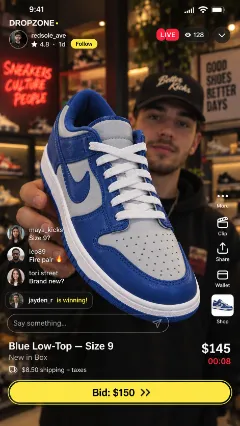
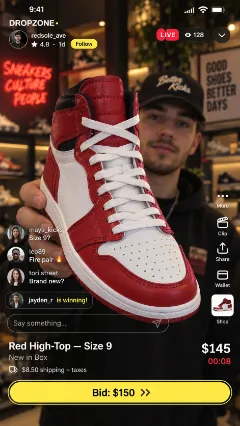
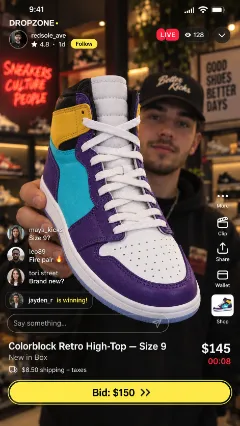
4
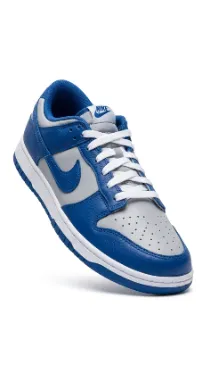
Design them in Batch
Backgrounds off, studio backdrop on, the whole set in one pass — then straight to your store and your listing.

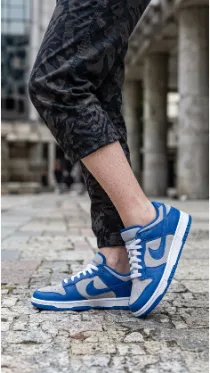

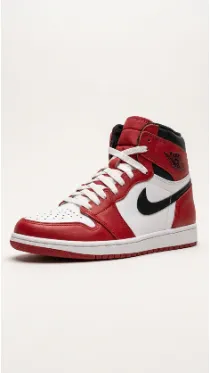


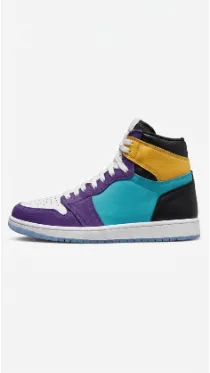
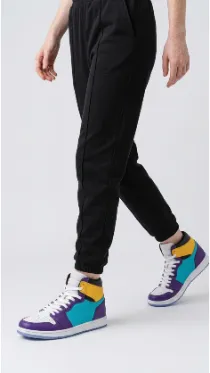
Your next best-selling product photo is one scan away.
Works only when you're signed in to Whatnot.
